This tutorial is made for both : students and staff members of the University of Souk-Ahras. To change your password, you need to follow the steps below:
1 Click on the « Login » Link at the top navigation bar to access your private account.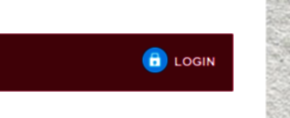
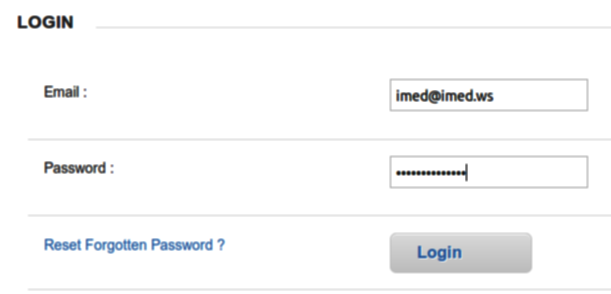
2 Type in your email and password, Click « Login« . In case you don’t have an account, you need to register at the following address:
www.univ-soukahras.dz/en/secure/new
3 Once you have logged in successfully, Click on the « Changer votre mot de passe » Link on the right sidebar

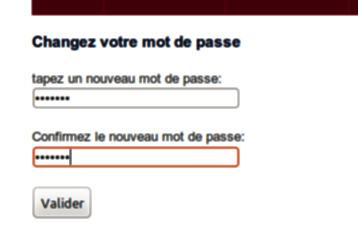
4 Type a new password in the first text field, Confirm the new password in the second field and click the button « Valider » once completed.