This tutorial is aimed for university lecturers showing them how to publish the evaluation procedure for their modules. In case you work for the university of Souk-Ahras and you don’t yet have an account, you need to register at the following address:
www.univ-soukahras.dz/en/secure/new
To update your module syllabus, follow the steps below:
1 Click on the « Login » Link at the top navigation bar to access your private account.
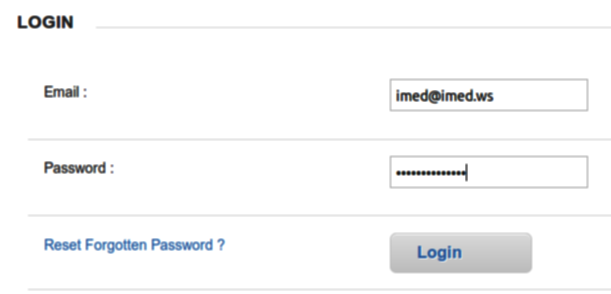
2 Type in your email and password, Click « Login« .
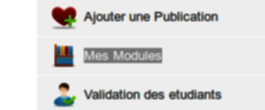
3 Once you have logged in successfully, Click on the « Mes Modules » Link on the right sidebar
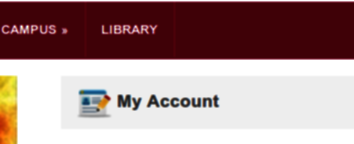
In case you don’t see the links for « My Account » menu on the right sidebar, You need to click the Link « My Account » link as shown below:
4 Next to the module you want to change, Click on « [ Syllabus (Eval) ]« :

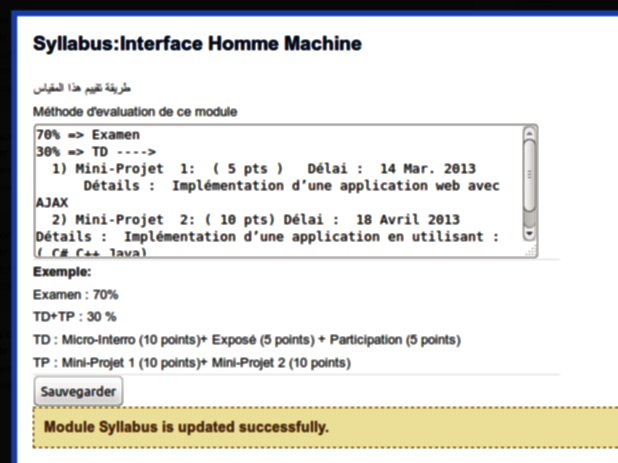
5 Type in your evaluation method for the module including TP and TD if any, Click on the button « Sauvegarder » once completed
6 You can close the small window through clicking the red cross at the corner